
Perfect Odia script
Proper Odia script rendering with all unique rounded characters, conjuncts, and vowel marks displayed correctly.

Odia Subtitle Generator
Generate accurate Odia subtitles with proper Odia script rendering. AI trained on Coastal Odia, Western Odia, and Sambalpuri speech patterns. Perfect for Odia YouTubers, Ollywood creators, and educators. Free to try.
Odia
script rendered perfectly
99%+
accuracy on Odia speech
Free
no watermark

Features
Proper Odia script rendering with all unique rounded characters, conjuncts, and vowel marks displayed correctly.

Handles Coastal Odia (Cuttack/Bhubaneswar), Western Odia, and Sambalpuri speech patterns accurately.

Urban Odia speakers mix English in daily conversation - CapsAI captures both languages seamlessly.
Export Odia subtitles as SRT for YouTube. Reach 35M+ Odia speakers across India.
Animated Odia captions optimized for vertical 9:16 short-form video on Instagram and YouTube.

Free Odia subtitle generation without any watermark on your exported videos.
Workflow
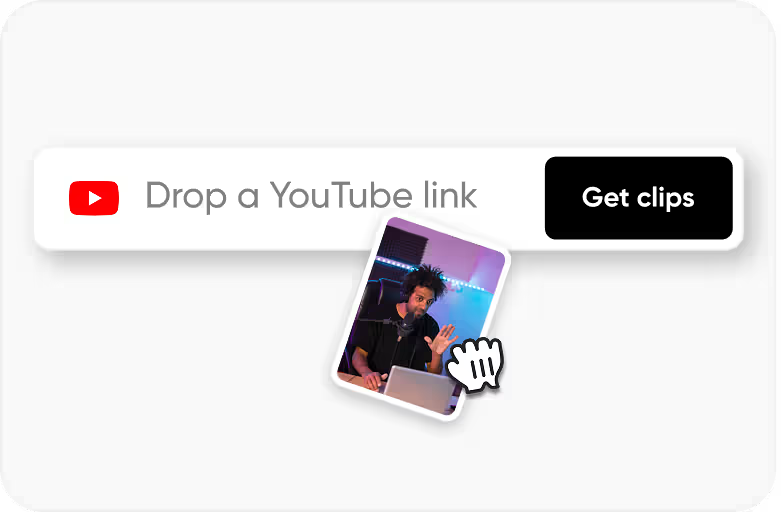
Step 1
Any video with Odia speech. Supports all common video formats.
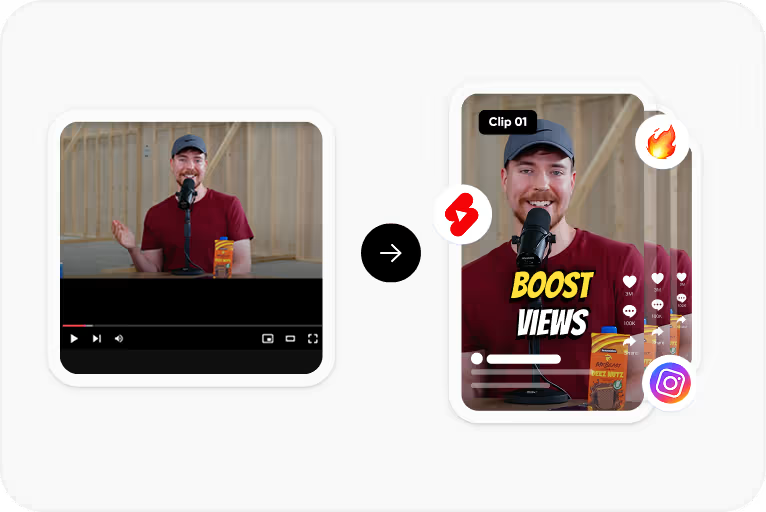
Step 2
Automatic transcription with Odia script. Precise timing and accurate rounded letterforms.
Step 3
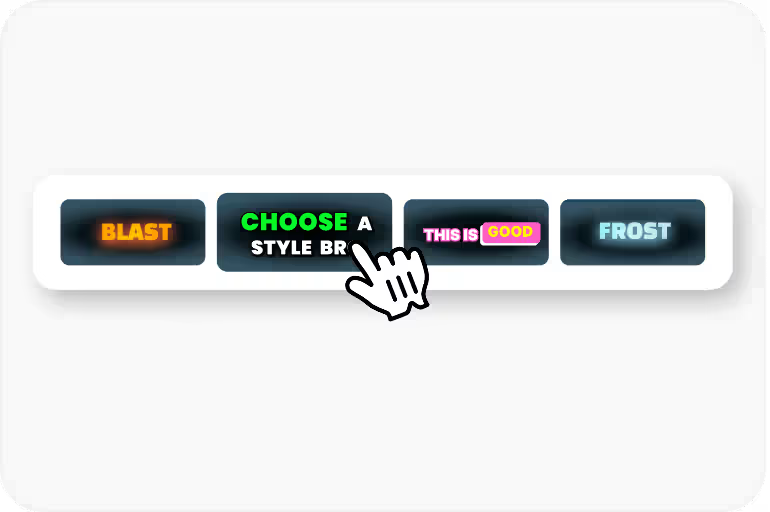
Quick corrections, apply caption styles optimized for Odia text rendering.
Step 4
SRT for YouTube, burned-in video for Reels, or VTT for web embedding.
Use Cases
Add Odia subtitles to your YouTube videos. Odia YouTube is growing fast with comedy, tech, and devotional creators.
Educational content in Odia with accurate subtitles for students, OPSC prep, and school lectures.
Subtitle Odia movie clips, trailers, and entertainment content for Ollywood's growing digital audience.
Subtitle Jagannath devotional content, Odissi dance performances, and Odia festival coverage for global audiences.
Why CapsAI
Odia is spoken by 40 million people primarily in Odisha state. As internet penetration reaches smaller cities like Bhubaneswar, Cuttack, and Rourkela, demand for Odia-language digital content is surging. Odia creators are emerging on YouTube and Instagram, and audiences show strong preference for content in their native language over Hindi or English alternatives.
Why CapsAI
Odia script has distinctive rounded characters that evolved to prevent palm leaf manuscripts from tearing. This unique circular style means Odia characters need more horizontal and vertical space than many other scripts. Subtitle tools that don't handle Odia properly produce malformed characters that are unreadable to native speakers.
FAQ
Yes. All Odia characters including the unique rounded letterforms, conjuncts, and vowel signs are rendered properly.
99%+ on clear audio. The AI handles Coastal Odia, Western Odia, and Sambalpuri dialect effectively.
Yes. Free tier with no watermark. Generate Odia subtitles for your videos without paying.
Yes. Sambalpuri has distinct vocabulary and pronunciation from standard Odia - the AI recognizes these patterns.
Yes. Perfect for Jagannath bhajans, temple content, and Odia spiritual videos with accurate script rendering.
Upload your video to CapsAI and the AI transcribes your Odia audio in about 30 seconds. You get editable subtitles with proper Odia script rendering. Make any corrections you need, pick a caption style, then export as SRT or with subtitles burned into the video. The whole process runs in your browser - nothing to download or install on your computer.
CapsAI generates Odia subtitles without watermarks on the free tier, which most competitors don't offer. The key difference is proper Odia script rendering - cheaper tools often break Odia conjuncts or display rounded characters incorrectly. You get accurate transcription with correct letterforms, and you can export unlimited SRT files without paying anything.
Yes, and it has gotten surprisingly good in the last two years. CapsAI's model handles standard Coastal Odia at 99%+ accuracy on clear recordings. Sambalpuri and Western Odia dialects work well too, though you might need to correct a word or two per minute on heavier regional accents. Background noise and multiple speakers talking over each other will reduce accuracy, same as any language.
Upload your video to CapsAI, let it generate Odia subtitles, then export as an SRT file. Go to YouTube Studio, open your video's subtitle settings, and upload the SRT. YouTube handles the timing sync automatically. This makes your content discoverable by Odia-speaking viewers who search in their language - there are 40 million potential viewers you're missing without Odia captions.
For Instagram Reels or YouTube Shorts, upload your vertical video to CapsAI and choose an animated caption style that works with Odia's rounded script. The tool handles the larger font sizes that Odia characters need to stay readable on small phone screens. Export with subtitles burned directly into the video since Instagram and TikTok don't support separate subtitle file uploads.
Free, no watermark, Odia script done right. Built for Odia YouTube, Ollywood, and cultural creators.
Generate Odia Subtitles Free →