Best Editing Apps to Quickly Create Shorts from Long YouTube Videos
Repurposing long YouTube videos into bite-sized Shorts is one of the fastest ways to multiply your content's reach. But manually trimming and editing footage can take hours - unless you're using the right tools.
This guide breaks down the best editing apps (mobile and desktop) that make it incredibly easy to turn longer videos into scroll-stopping Shorts. Whether you're a beginner or a seasoned creator, these apps can speed up your workflow, boost your engagement, and help you grow faster.
Why Repurposing Matters
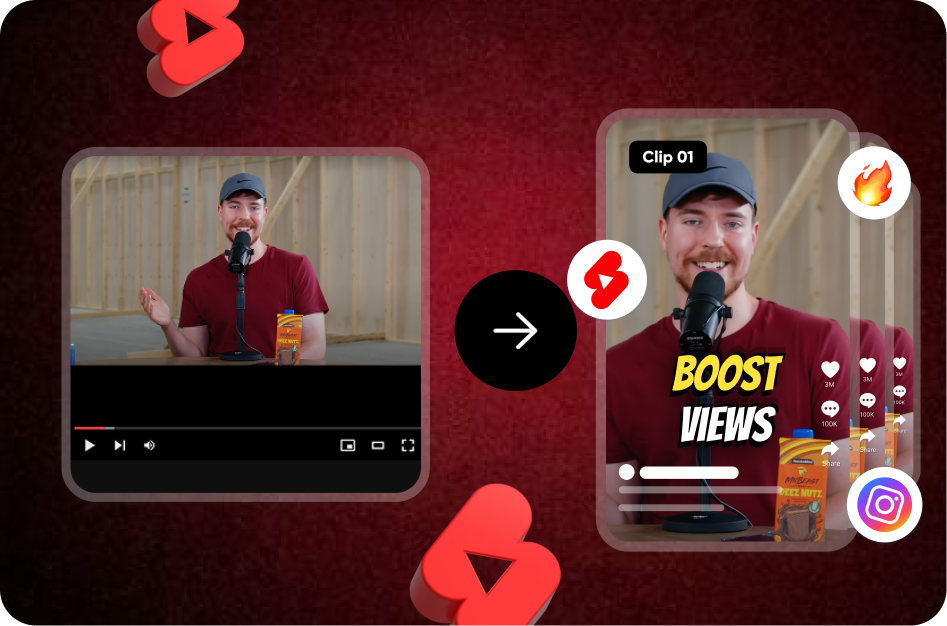
YouTube Shorts is not just a discovery tool - it's a subscriber magnet. When you cut highlights, punchlines, or quick tips from longer videos, you create snackable content that hooks new viewers and drives them to your channel. It's a win-win.
But to do it well, you need two things:
- Smart editing tools.
- Clear, engaging subtitles.
That’s where Capsai.co comes in.
The Must-Have Tool: Capsai.co for Subtitles
Before diving into the editing apps, let’s talk about Captions. Over 80% of Shorts are watched on mute, which means your message won't land without text. Capsai.co automatically adds dynamic, on-brand subtitles to your videos, including:
- Multiple language support (English, Hindi, Hinglish, and more)
- Bold fonts and animations
- Emoji compatibility
- Auto keyword emphasis
Pair Capsai with any of the editing tools below for a complete Shorts-creation workflow.
Explore Capsai's Free Subtitle Tool
1. CapCut (Mobile & Desktop)
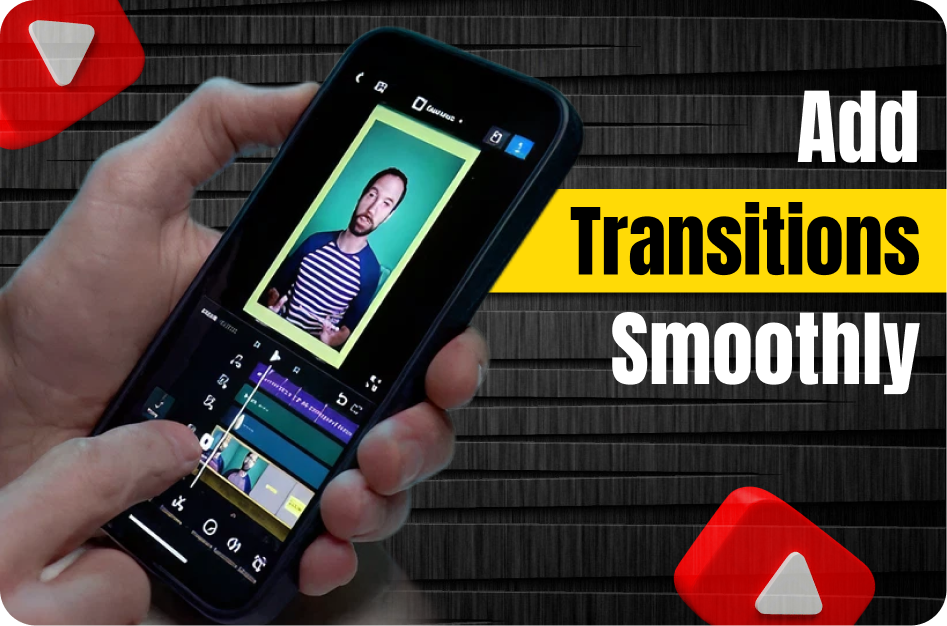
CapCut is TikTok's official editing app, but it's just as powerful for YouTube Shorts. It's free, feature-rich, and beginner-friendly.
Best for: Creators who want fast edits with effects, transitions, and auto-captions.
Highlights:
- Auto cut templates for Shorts
- Speed ramps, zoom cuts, and text overlays
- Easy drag-and-drop UI
Pro Tip: Use CapCut to trim your video, then upload the final cut to Capsai.co for subtitle magic.
2. InShot (Mobile)
A longtime favorite for mobile editors, InShot offers clean timeline editing, filters, and aspect ratio controls.
Best for: Lifestyle, vlogs, and aesthetic creators who want more manual control.
Highlights:
- 9:16 ratio templates
- Music syncing tools
- Speed control and basic animations
3. Descript (Desktop)
Descript takes a text-first approach to video editing - perfect for trimming spoken-word content or interviews.
Best for: Podcasters, educators, and talking-head YouTubers.
Highlights:
- Edit video by editing text
- Auto remove filler words and silences
- Transcribe + edit in one go
4. Adobe Premiere Rush (Mobile & Desktop)
A simplified version of Premiere Pro, Rush is ideal for creators who want more polish without the learning curve.
Best for: Tech and creator channels who want Adobe-grade edits on the go.
Highlights:
- Built-in transitions and titles
- Sync across devices
- Export in multiple formats
5. VN Video Editor (Mobile)
This underrated app is completely free and loaded with features that compete with premium tools.
Best for: Budget-conscious creators who still want pro-level edits.
Highlights:
- Multi-layer timeline
- Reverse and keyframe support
- Great text and sticker features
Bonus: Use AI to Speed Up Editing
Want to make things even faster? Try using AI tools like:
- Capsai.co for instant subtitles
- Opus Clip or Veed.io for auto-resizing and punchline detection
- Whisper AI for fast transcriptions
Final Workflow: From Longform to Shortform
Here’s your new Shorts production process:
- Clip It: Use CapCut or Descript to trim your long video into 15-60 second highlight.
- Style It: Add effects, music, or filters.
- Caption It: Upload the final cut to Capsai.co for eye-catching subtitles.
- Post It: Publish on YouTube Shorts, Instagram Reels, and Facebook.
Done right, each long YouTube video can give you 5-10 Shorts - each one a potential viral hit.