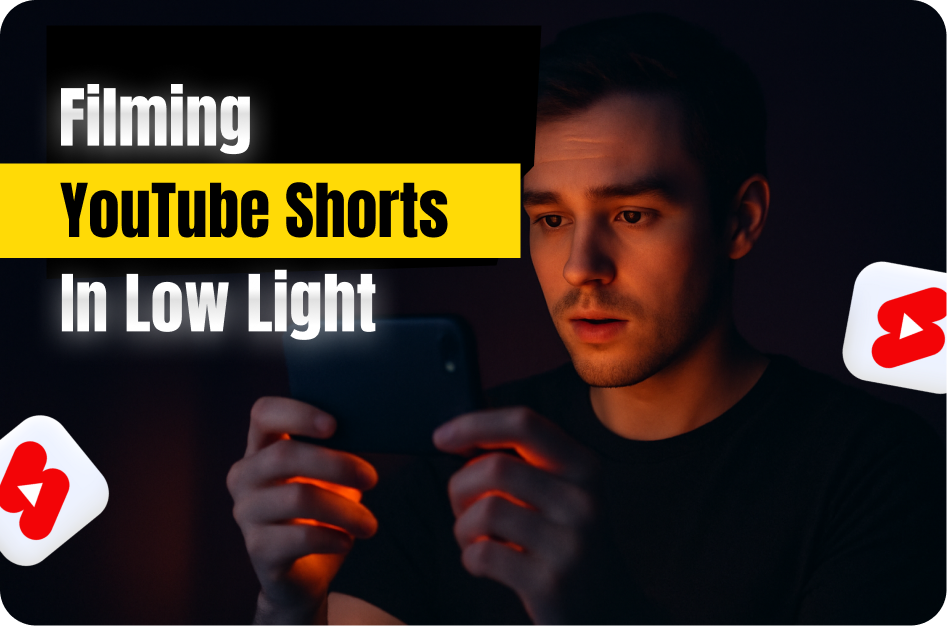
Not every great video needs studio lighting. In fact, some of the most viral YouTube Shorts are filmed in bedrooms, cafes, or late-night streets. The secret? Knowing how to work with low light using just your phone.
Whether you're filming a moody aesthetic vlog or recording an impromptu idea at night, here are the top tips to make your low-light Shorts look crisp, clear, and professional.
1. Use Manual Camera Controls (If Available)
Many modern smartphones now allow manual control of ISO, shutter speed, and exposure in their camera apps.
- Lower ISO = Less grain. Start with ISO 100-400.
- Slower shutter speed = More light. But avoid going too slow, or motion will blur.
- Lock exposure by tapping and holding on a bright spot.
Pro Tip: If your native camera app doesn’t support manual settings, try apps like Filmic Pro or ProShot.
2. Stabilize Your Shot
In low light, your phone takes longer to capture each frame. That means even small shakes can blur your footage.
- Use a mini tripod or rest your phone on a stable surface.
- Activate built-in stabilization if your phone supports it.
3. Leverage Natural or Ambient Light
Don’t underestimate street lights, window light, or neon signs.
- Position yourself facing the light source.
- Use reflected light from walls or ceilings to soften harsh shadows.
Avoid backlight unless you're aiming for a silhouette effect.
4. Add a Portable Light Source
Ring lights are great - but even a cheap phone LED light or flashlight can work wonders.
- Clip-on selfie lights are portable and affordable.
- Use white paper or cloth as a DIY diffuser to soften the light.
5. Shoot in 1080p, Not 4K (Sometimes)
In low light, 4K might introduce more noise. Filming in 1080p can reduce grain and improve clarity.
- Plus, 1080p is faster to upload and easier to edit on most phones.
6. Use AI Tools Like Capsai.co for Visual Enhancement
Once you've filmed your Short, boost clarity with Capsai.co:
- Auto-generate animated captions for silent viewers.
- Add vibrant text overlays that pop in darker scenes.
- Improve retention with word-by-word effects that match your storytelling style.
Capsai makes your content more watchable, even in low-light settings where visuals need extra help.
7. Edit Smartly
Use editing apps like InShot, VN, or CapCut to:
- Increase brightness and contrast slightly.
- Reduce grain using denoise filters.
- Avoid over-editing - retain the mood.
Final Thoughts: You Don’t Need Sunlight to Shine
Low-light content has its own vibe - mysterious, cinematic, raw. By combining smart shooting techniques with powerful editing and captioning from Capsai.co, you can turn even night-time footage into viral-worthy YouTube Shorts.
Start filming - light or no light.