Creating viral YouTube Shorts starts with more than just a great idea - you need crisp visuals and clean audio to compete in a fast-scrolling world. If you're filming with your mobile phone (like most Shorts creators), getting the right quality settings can be the difference between "meh" and "wow."
Here’s your ultimate guide to shooting high-quality YouTube Shorts on your phone, plus how tools like Capsai.co help polish your final output with professional captions that shine on any screen.
1. Always Film in 9:16 (Vertical Format)
YouTube Shorts are designed for vertical viewing. Shooting in landscape or square ratio will hurt your video’s native visibility.
- How to set it: Use your phone's camera app and switch to vertical orientation. Some apps like Filmic Pro or CapCut let you lock this in.
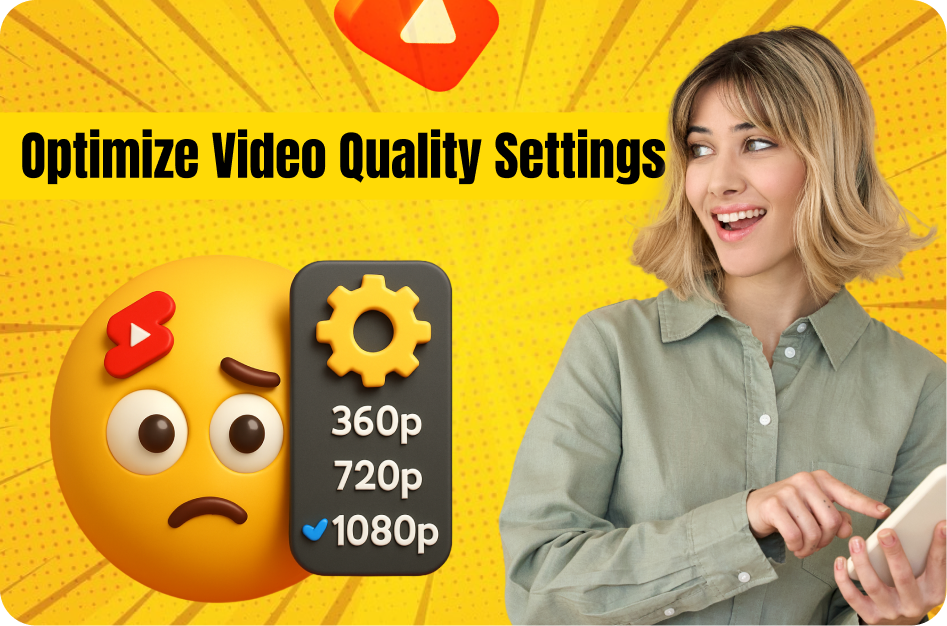
2. Set Resolution to 1080p or Higher
The minimum standard for Shorts is Full HD (1080 x 1920 pixels). Anything less looks blurry, especially on newer phones.
- Ideal Setting: 1080p at 30fps or 60fps.
- Pro Tip: If your phone supports 4K, use it - just be aware of file sizes and upload limits.
3. Lock Focus and Exposure
Shaky focus or sudden brightness shifts scream "low effort."
- iPhone: Tap and hold on the subject to lock focus/exposure.
- Android: Tap and hold or use Pro Mode to manually set exposure and focus.
4. Use Natural Light or Ring Lights
Good lighting can make even a budget phone camera look premium.
- Daytime: Face a window for soft, even lighting.
- Indoor/Night: Use a ring light or LED panel to avoid grainy, underexposed footage.
5. Enable Stabilization (Or Use a Tripod)
Nothing kills retention like a shaky video. Use built-in stabilization or hold your phone steady.
- Bonus Tip: A cheap tripod or phone gimbal levels up your quality instantly.
6. Record Clean Audio
Audio quality matters just as much as visuals. Viewers swipe away from noisy, muffled sound.
- Quiet Location: Record in quiet spaces.
- Mic Matters: Use wired or wireless lavalier mics for best results.
7. Edit for Clarity and Engagement
Once you’ve shot great footage, bring it to life with subtitles, sound effects, and pacing edits.
This is where Capsai.co shines. Upload your video and:
- Auto-generate accurate captions in English, Hindi, Hinglish & more.
- Style them with bold fonts and animations.
- Perfect for viewers who watch on mute (which is most of them).
Final Thoughts: Quality Is the First Hook
In the world of YouTube Shorts, you're competing with thousands of videos every second. If your video looks blurry, sounds bad, or lacks energy, viewers will scroll away.
Investing just a little time into your mobile filming setup can dramatically increase your chances of going viral. Combine this with clean, professional subtitles using Capsai.co and you’re not just creating content - you’re creating something worth watching.