Multi-speaker review
Speakers are not labelled automatically, so review host, guest, and caller lines where voices overlap.


For Podcasters
Generate and review captions for podcast videos, interviews, clips, and social media cutdowns with CapsAI.
MP4 or MOV
video upload
3 min
free to start
11
spoken-language options

Features
Speakers are not labelled automatically, so review host, guest, and caller lines where voices overlap.
Export captioned MP4 clips for Reels, Shorts, TikTok, and LinkedIn. Audiograms are not generated.
Trim the moments you want to share before uploading, then caption each clip.
Correct guest names, brands, and specialist terms before export. Transcript downloads are not available.
Use the same caption fonts and colors on every clip so your show is recognisable.
Cross-talk, phone-in guests, and background music can affect the draft, so review those sections carefully.
Workflow

Step 1
Upload an MP4 or MOV video that you own or have permission to process.
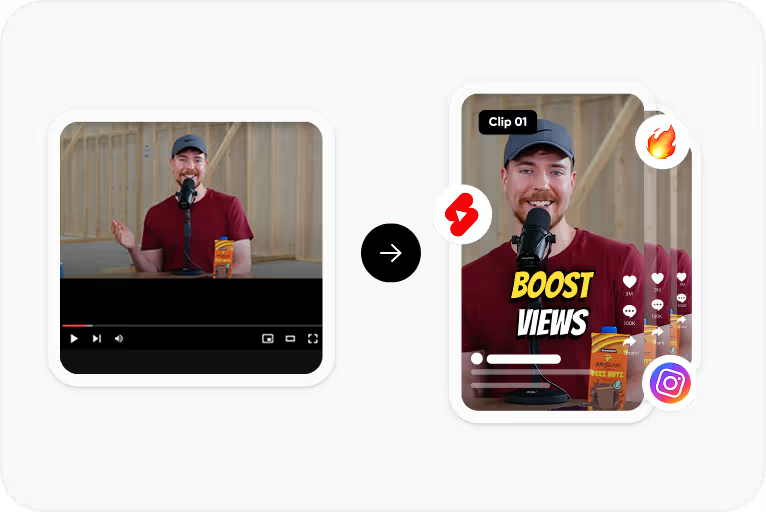
Step 2
Choose the spoken language and CapsAI creates timed captions from the speech in your video.
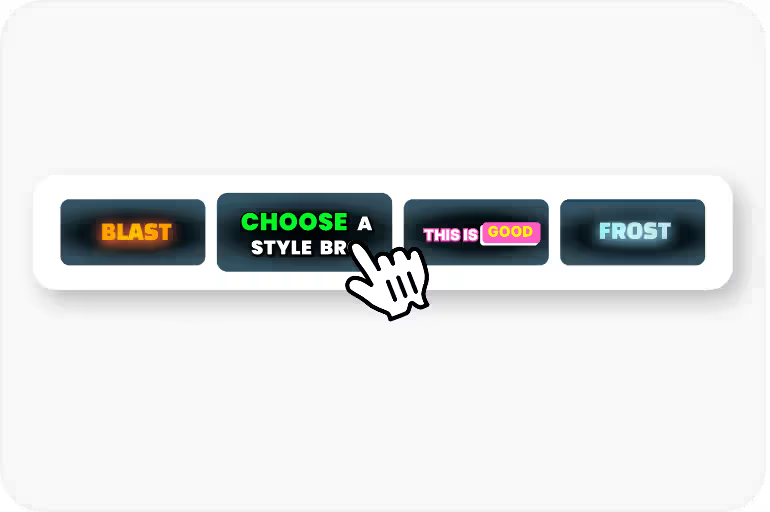
Step 3
Correct the text and timing, then apply a caption style and check its placement.
Step 4
Export an MP4 with the captions burned in, using an option available to your plan.
Use Cases
Captions let people follow a podcast clip in a social feed without turning the sound on.
Review guest names, brands, and specialist terms in the draft before export.
Choose Hinglish for conversations that switch between Hindi and English.
Captions make video podcasts accessible to viewers who are deaf or hard of hearing.
Related tools
FAQ
CapsAI transcribes the speech in the recording. Review the draft carefully where speakers overlap or interrupt each other, and edit the text if you need to identify who is speaking.
Each upload is limited to 10 minutes of video. Split a longer recording into parts, caption each part, and join the exports in your video editor. Processing uses minutes from your free allowance or one-time pack, so check your remaining minutes first.
No. CapsAI creates captions for uploaded videos and exports a captioned MP4; it does not generate audiograms, waveform videos, or show notes.
The uploader accepts MP4 or MOV video files. Audio-only files and pasted video URLs are not part of the caption workflow.
The export is an MP4 with the captions burned in. Separate SRT or VTT files are not available from the editor yet; the standalone converters under /tools work on subtitle files you already have.
Accuracy depends on audio clarity, background noise, accents, and language selection. CapsAI creates a first draft and lets you edit captions before export.
You can start with 3 free minutes. Free video export may include a CapsAI watermark; watermark-free video export is listed as a paid-plan benefit.
Upload an MP4 or MOV file, review the caption draft, and export a captioned MP4 for your podcast videos and clips. Start with 3 free minutes.
Try CapsAI Free →Related tools