Caption style presets
Choose from the caption styles in the editor, including bold, kinetic, and pop-out looks.


Customization
Review subtitle styling controls for fonts, colours, positioning, line breaks, and readable captions across video formats.
MP4 or MOV
video upload
3 min
free to start
11
spoken-language options

Features
Choose from the caption styles in the editor, including bold, kinetic, and pop-out looks.
Change caption fonts and colors to suit your video and brand.
Apply supported animation treatments such as word-by-word highlights.
Move captions and adjust their size so they stay clear of faces and on-screen buttons.
Edit line breaks and caption timing so each line is easy to read.
Preview the styled captions on your video before you export the MP4.
Workflow

Step 1
Upload an MP4 or MOV video that you own or have permission to process.
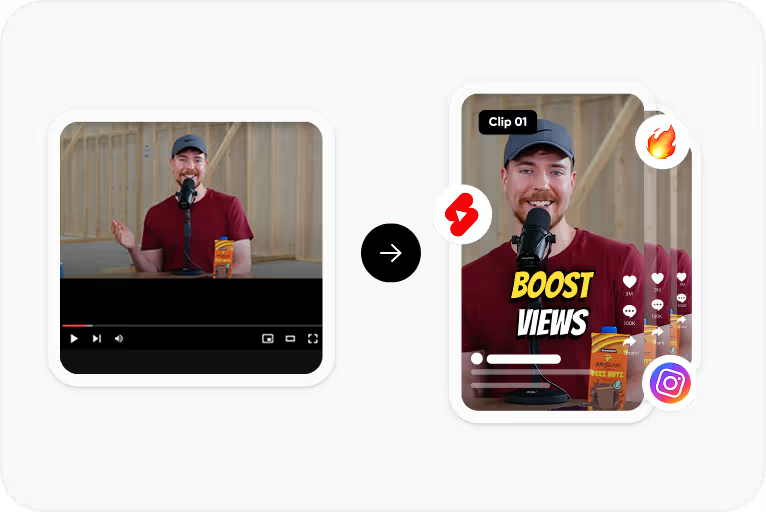
Step 2
Choose the spoken language and CapsAI creates timed captions from the speech in your video.
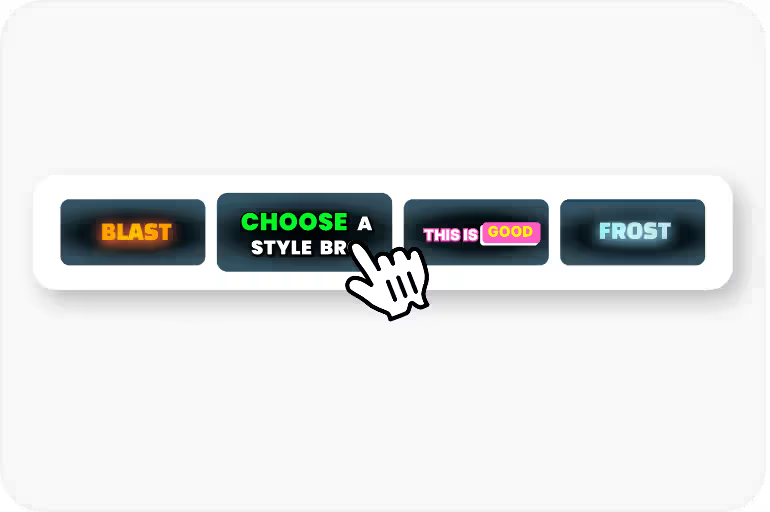
Step 3
Correct the text and timing, then apply a caption style and check its placement.
Step 4
Export an MP4 with the captions burned in, using an option available to your plan.
Use Cases
Keep a recognisable caption look across your videos.
Match caption fonts and colors to your brand guidelines.
Bold, animated styles stand out in fast-moving feeds.
On small screens, size, contrast, and line length matter more than decoration.
FAQ
The editor includes a selection of caption fonts and style presets. Open the editor to see the current options.
Not currently. Choose a caption style for each video and adjust its fonts, colors, and position.
The editor offers caption styles with animation treatments such as word-by-word highlights and pop-in text. Preview each style on your video before export.
Check placement by previewing the captions on your video, and keep them clear of each app's on-screen buttons.
Per-speaker styling is not part of the current workflow.
The uploader accepts MP4 or MOV video files. Audio-only files and pasted video URLs are not part of the caption workflow.
The export is an MP4 with the captions burned in. Separate SRT or VTT files are not available from the editor yet; the standalone converters under /tools work on subtitle files you already have.
Accuracy depends on audio clarity, background noise, accents, and language selection. CapsAI creates a first draft and lets you edit captions before export.
You can start with 3 free minutes. Free video export may include a CapsAI watermark; watermark-free video export is listed as a paid-plan benefit.
Upload an MP4 or MOV file, review the caption draft, and export a captioned MP4 for your videos. Start with 3 free minutes.
Customize Subtitles Free →Related tools