11 spoken-language options
Choose Hinglish, English, Hindi, Bengali, Telugu, Marathi, Tamil, Urdu, Gujarati, Kannada, and Punjabi as the spoken language for each video.


Multi-Language
Explore multilingual subtitle workflows for English, Hinglish, Hindi, and regional Indian language creator videos.
11
Spoken-Language Options
Hinglish
Code-Switched Speech
3 min
Free to Start

Features
Choose Hinglish, English, Hindi, Bengali, Telugu, Marathi, Tamil, Urdu, Gujarati, Kannada, and Punjabi as the spoken language for each video.
Select Hinglish when speakers switch between Hindi and English in the same sentence.
Captions are generated in the script of the selected language, including Devanagari, Tamil, Telugu, Kannada, Bengali, Gujarati, Gurmukhi, and right-to-left Urdu. Preview the rendering before export.
Select the spoken language before generating; captions are created in that language.
Names, places, and regional vocabulary should be checked by someone who understands the recording.
CapsAI does not translate captions into another language. To publish in two languages, caption each language version of the video separately.
Workflow
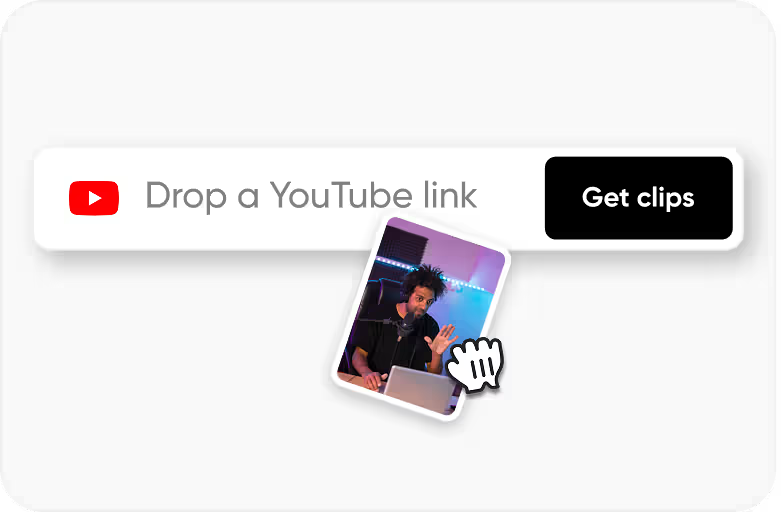
Step 1
Upload an MP4 or MOV video that you own or have permission to process.
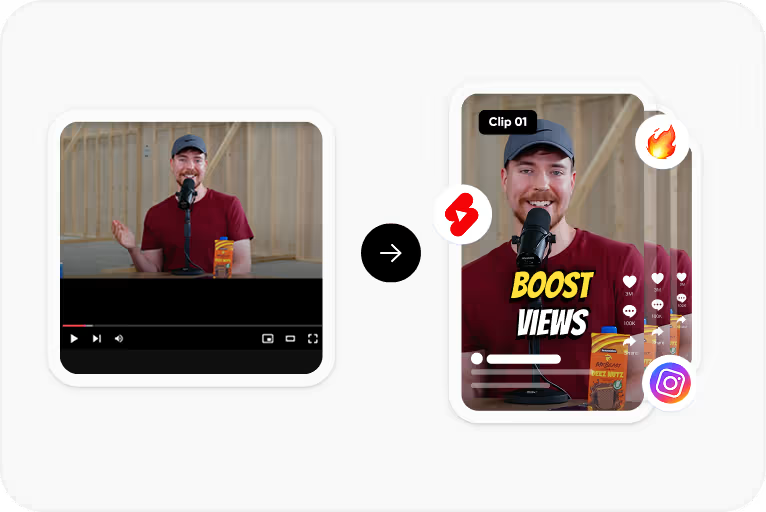
Step 2
Choose the language spoken in the video, or Hinglish for mixed Hindi-English speech, and generate the caption draft.
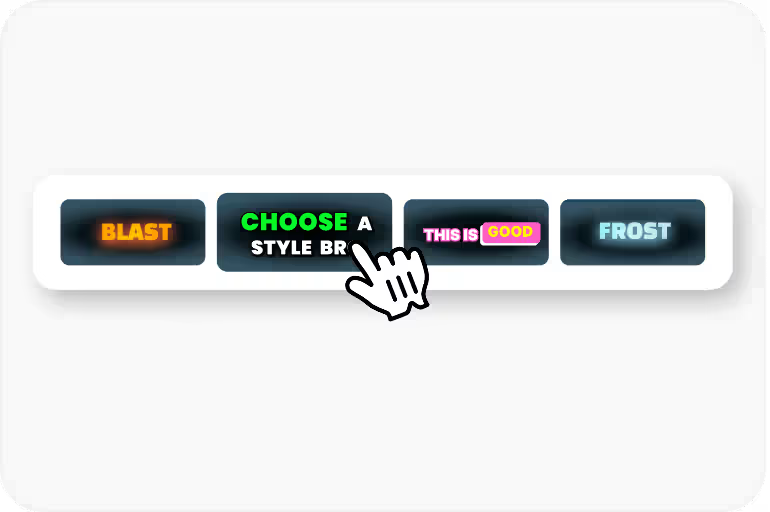
Step 3
Correct words, names, regional vocabulary, and timing in the editor.
Step 4
Export an MP4 with the captions burned in, using an option available to your plan.
Use Cases
Caption videos recorded in Hindi, Tamil, Telugu, Bengali, Marathi, and other supported languages.
Caption code-switched Hindi-English speech without forcing it into a single language.
Caption lessons in the language they are taught in, so students can follow along.
Caption campaign videos recorded in the regional languages your customers speak.
FAQ
The language selector currently offers Hinglish, English, Hindi, Bengali, Telugu, Marathi, Tamil, Urdu, Gujarati, Kannada, and Punjabi. Captions are generated in the spoken language you select.
No. Automatic subtitle translation is not available in the current product workflow; CapsAI generates captions in the spoken language you select.
Urdu is one of the language options, and Urdu captions are written right to left. Preview the rendering and line breaks before export.
Bilingual caption mode is not part of the current workflow. Captions are generated in the spoken language you select for each video.
Translation converts words between languages. Localization adapts cultural references, idioms, units, and formatting for a market. CapsAI does neither automatically; it creates captions in the language spoken in your video.
Upload an MP4 or MOV video, choose from 11 spoken-language options including Hinglish, and export a captioned MP4. Start with 3 free minutes.
Generate Subtitles Free →Related tools