
Best Subtitle Styles for Shorts and Reels | CapsAI
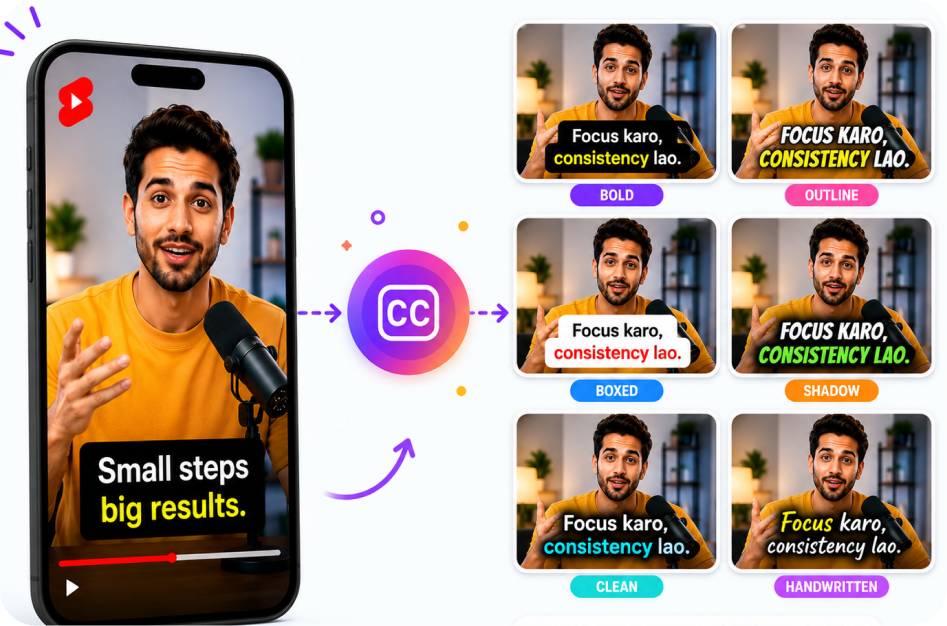
Introduction
Best Subtitle Styles for Shorts and Reels is now a practical growth workflow, not a nice-to-have editing trick. Creators are recording podcasts, webinars, tutorials, livestreams, interviews, product demos, and sales calls, but the audience often discovers them through short-form content. That is why a reliable long video to short video process matters: it turns one source recording into many useful clips without asking editors to start from scratch every time.
This guide is written for creators, editors, marketers, and social video teams. It explains how to use AI video clipping, automatic captions, vertical video framing, and video repurposing to create clips that feel native to YouTube Shorts, Instagram Reels, and TikTok videos. The goal is simple: keep the best ideas, make them easy to understand, and publish them in formats people already watch.
CapsAI is useful in this workflow because short clips rarely win with trimming alone. They also need a clean hook, readable subtitles, strong caption placement, and a way to reuse the transcript later. A good AI subtitle generator, caption generator, and AI clip maker can help you move faster while keeping quality under control.
If you are building the full workflow, keep AI subtitle generator, YouTube Shorts downloader, Instagram video downloader, and the CapsAI blog close to the editing process.
Why This Matters
Short-form content is often the front door to a longer brand, channel, podcast, or course. A viewer may not commit to a 45-minute video immediately, but they may watch a 35-second clip that explains one useful idea. That clip can become the bridge to the full video, a newsletter signup, a sales page, or a follow-up conversation.
AI video clipping matters because manual editing creates bottlenecks. Someone has to watch the full recording, mark timestamps, pull the hook, reframe the subject, add subtitles, review the caption timing, export versions, and then repeat that process for every platform. AI does not remove editorial judgment, but it can remove a large amount of repetitive searching and setup.
Captions also change performance. Many viewers watch in silent environments. Others skim before they listen. Some understand the language but need support with accents, speed, or terminology. Automatic captions, Hindi captions, Hinglish captions, and multilingual subtitles help more viewers understand the idea quickly.
The important shift is this: video repurposing is a system, not a random act of cutting clips whenever a team has spare time.
Step-by-Step Guide
- Choose a source video with clear intent. The best candidates for auto subtitle generator are recordings with concrete advice, strong opinions, product explanations, stories, lessons, or before-and-after examples.
- Generate a transcript first. A transcript gives the AI clip maker more structure and gives editors a fast way to inspect the content without scrubbing the timeline.
- Find the hook before you polish the clip. The first two seconds should signal the topic, tension, result, or promise. Weak hooks make even beautifully captioned videos feel slow.
- Cut around one idea. A short clip should not try to summarize the entire long video. It should deliver one insight, one answer, one objection, one mistake, or one useful step.
- Reframe the video for YouTube Shorts, Instagram Reels, and TikTok videos. Vertical video needs safe zones, centered subjects, readable text, and enough breathing room for captions.
- Add automatic captions, then review them manually. AI captions are fast, but creator names, brand terms, Hindi words, Hinglish phrases, and acronyms still deserve a human pass.
- Export the finished MP4 and keep the subtitle file when available. SRT or VTT files are useful for YouTube, accessibility, translation, and future content reuse.
- Publish, measure, and improve. Track retention, replays, comments, saves, profile visits, and click-throughs so the next batch gets sharper.
Best Practices
Keep the caption style simple enough to read on a small phone. High contrast, short lines, and consistent placement usually outperform overly animated captions. The subtitle generator should support the message, not compete with the speaker.
Use the transcript to make decisions. If a clip does not have a clear sentence that could stand alone as a hook, it may not be ready. Strong short-form content often begins with a statement such as "Most creators get this wrong," "Here is the fastest way," or "This one change improved retention."
Create batches. One long video can often produce a hook clip, a mistake clip, a tactical clip, a quote clip, a story clip, and a CTA clip. Batching reduces context switching and helps creators maintain a consistent publishing schedule.
Build a repeatable review checklist: hook, audio, caption accuracy, safe zone, pacing, platform fit, export setting, filename, post caption, and internal link or CTA. Teams that use a checklist publish faster because fewer decisions are made from scratch.
For Indian creators, test Hinglish captions and Hindi captions when they match how the audience actually speaks. Over-formal translation can make a clip feel less natural. The best multilingual subtitles preserve meaning, rhythm, and cultural context.
Common Mistakes
- Choosing clips only because the speaker sounded energetic, instead of checking whether the idea is useful without the full context.
- Publishing automatic captions without reviewing names, numbers, product terms, and mixed-language phrases.
- Placing captions too low, where YouTube Shorts, Instagram Reels, or TikTok controls can cover them.
- Turning every clip into the same length. Some ideas need 18 seconds; others need 52 seconds. Retention matters more than a fixed template.
- Using too many visual effects before the core message is clear. Motion should clarify the idea, not hide weak structure.
- Forgetting to link the short clip back to the full video, blog post, offer, or related resource.
Tools and Alternatives
There are many tools in the AI clip maker category. Some focus on highlight detection, some focus on captions, some focus on social templates, and some focus on team review. The best tool depends on whether you need speed, subtitle quality, multilingual support, brand controls, export flexibility, or collaboration.
CapsAI is strongest when you want clipping and captions to sit inside the same creator workflow. You can use an auto subtitle generator for caption accuracy, a video subtitle generator for export-ready subtitles, and downloader tools when you need to save public source content before editing.
Useful CapsAI resources for this workflow include the long video to short video tool, video subtitle generator, caption generator, and auto subtitle generator.
For more topical depth, read How to Make Shorts with Hinglish Captions and How to Turn a Podcast into Viral Short Clips after this guide.
Platform Notes
YouTube Shorts
YouTube Shorts often reward clear topics, direct hooks, and clips that can send viewers toward a deeper video or channel. Use captions to make the value obvious even before audio starts.
Instagram Reels
Instagram Reels need fast visual comprehension. Keep captions out of the bottom control area, use a clean title frame when useful, and make the first line feel like a reason to stop scrolling.
TikTok Videos
TikTok videos can work well with sharper hooks, opinionated edits, and native-feeling captions. Avoid making repurposed clips look like leftovers from a webinar.
LinkedIn and B2B Clips
LinkedIn clips usually work best when they focus on a business lesson, customer story, tactical insight, or industry point of view. Captions should feel polished and readable rather than overly playful.
Conclusion
Best Subtitle Styles for Shorts and Reels becomes easier when you treat it as a repeatable publishing workflow. Start with a strong source video, use AI video clipping to find promising moments, add automatic captions, review the details, and export clips that match the platform. The result is more short-form content from the work you have already done.
CapsAI helps creators connect those steps in one workflow: AI subtitles, caption editing, video repurposing, multilingual subtitles, and downloader tools for short-form production. If your long videos are sitting unused, start with one recording and turn it into a focused batch of clips.
FAQs
What is the fastest way to handle best subtitle styles for shorts and reels?
The fastest workflow is to start with a clear source video, use an AI clip maker to find strong moments, add automatic captions, review the transcript, and export a vertical video for YouTube Shorts, Instagram Reels, and TikTok videos.
Can CapsAI help with long video to short video workflows?
Yes. CapsAI supports creator workflows for AI video clipping, automatic captions, subtitle generation, and repurposing long videos into short-form content.
Should I add subtitles to every short clip?
Most creators should add subtitles because viewers often watch short-form content without sound. Captions also help accessibility, comprehension, and multilingual reach.
Do Hinglish captions and Hindi captions work for short-form videos?
Yes. Hinglish captions, Hindi captions, and multilingual subtitles can help Indian creators keep local context while making videos easier to follow on mobile.
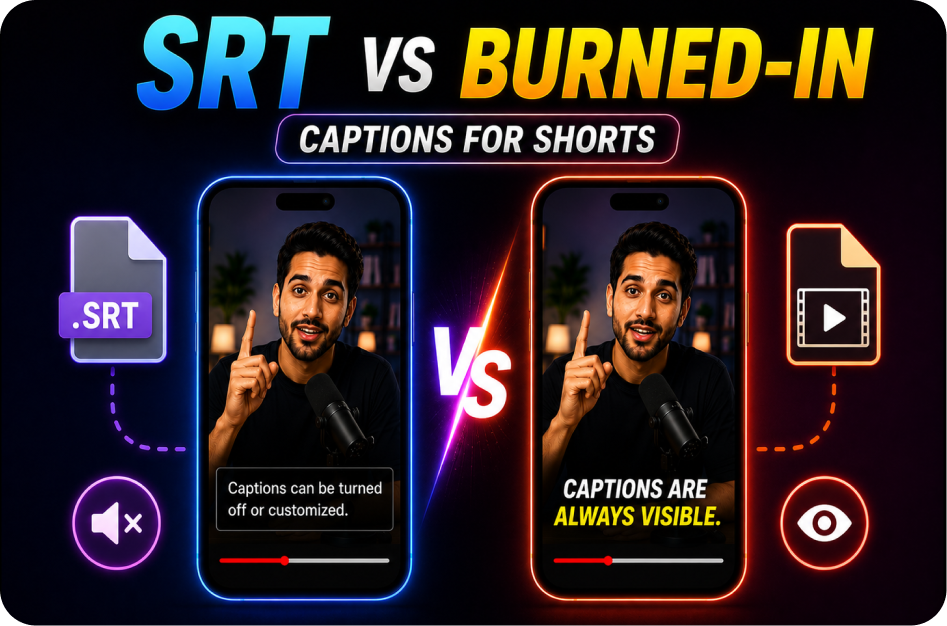
What is better: SRT captions or burned-in captions?
Use burned-in captions when you need visual control on social feeds. Use SRT or VTT when you need editable caption files, platform accessibility features, or future translation.
How long should a short clip be?
Most short clips work best when they focus on one idea. The ideal length depends on the platform and topic, but clarity and retention matter more than hitting a fixed duration.
Can I repurpose podcasts, webinars, and interviews?
Yes. Podcasts, webinars, livestreams, interviews, lessons, and product demos are all strong sources for video repurposing and short-form content.
Related CapsAI tools
Related Posts
View all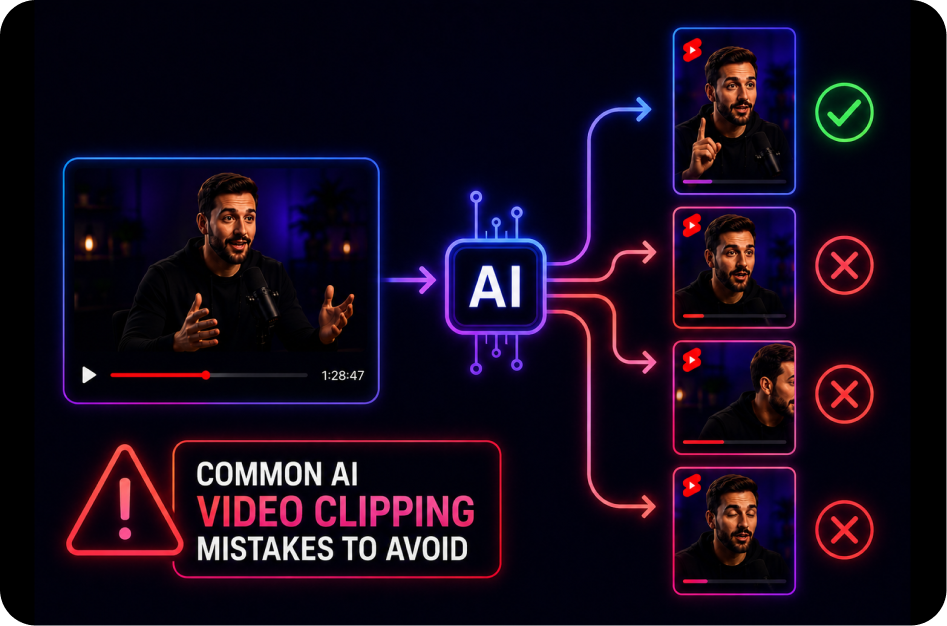
21 June 2026
Common AI Video Clipping Mistakes to Avoid
21 June 2026
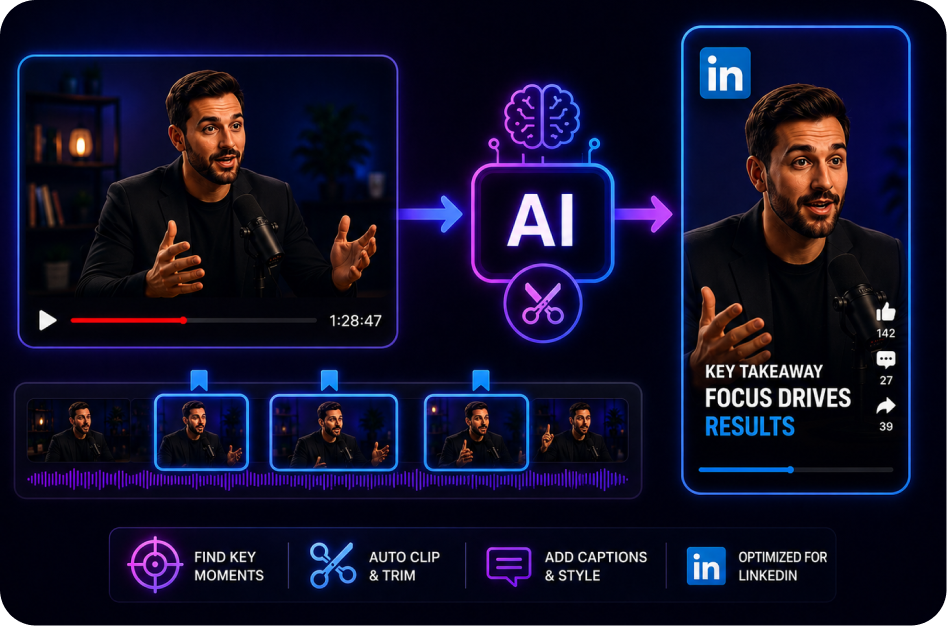
How to Create Short Clips for LinkedIn Video
21 June 2026
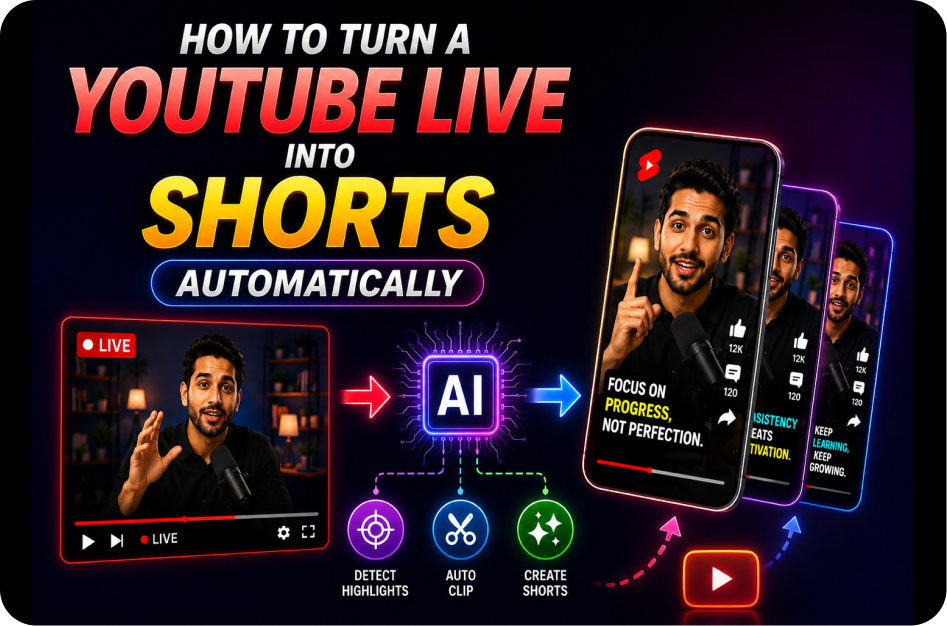
How to Turn a YouTube Live into Shorts Automatically
21 June 2026
SRT vs Burned-In Captions for Shorts
21 June 2026
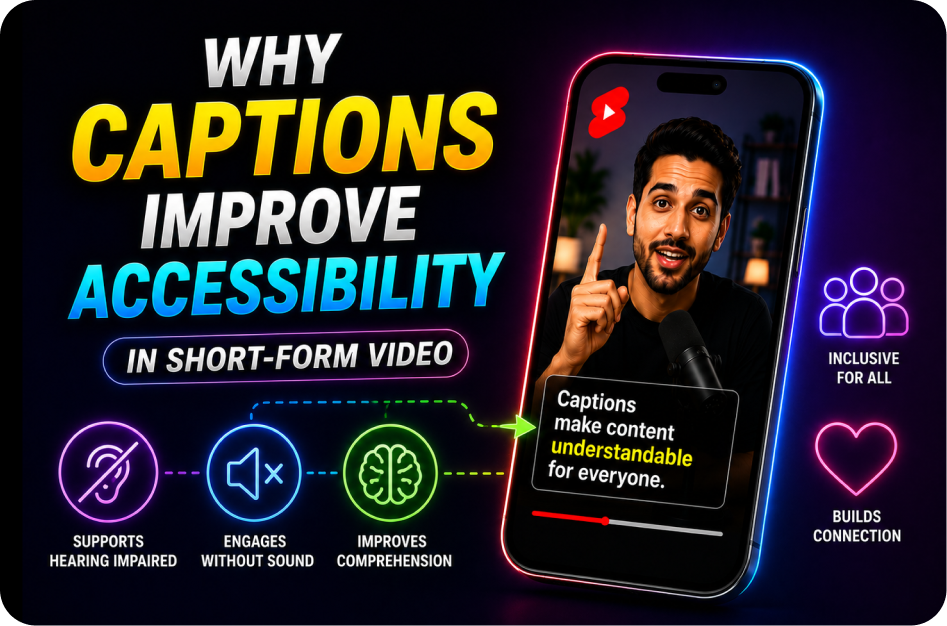
Why Captions Improve Accessibility in Short-Form Video
21 June 2026