
YouTube Shorts Downloaders for 4K & Full‑HD in 2026
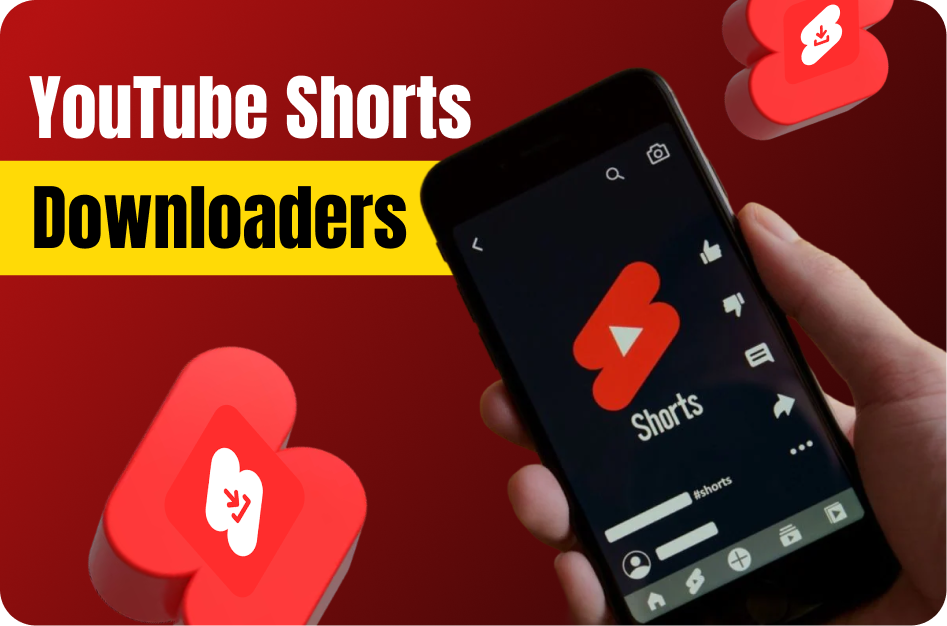
- Capsai Video Downloader - top choice for browser‑based HD and 4K downloads. paste your Short URL, select the quality, and get a direct MP4 link instantly
link: https://capsai.co/ - yt‑dlp (command‑line) - the most flexible open‑source tool. install via pip, then run to download and merge UHD streams
yt-dlp -f bestvideo[ext=mp4]+bestaudio[ext=m4a] "SHORT_URL" -o "%(title)s.%(ext)s"
- 4K Video Downloader - desktop app for Windows, Mac and Linux. paste the link, choose “Download Video” → “Highest Quality (4K/Full HD),” and save watermark‑free MP4s
link: https://www.4kdownload.com/products/product-videodownloader - SSYouTube Online Service - no install needed. go to https://ssyoutube.com/shorts-download, enter your URL, pick MP4 4K or 1080p, and click Download
- Video Downloader Professional (Chrome extension) - installs in one click. open your Short, click the extension icon, select the 2160p or 1080p stream, and download instantly
link: https://chrome.google.com/webstore/detail/video-downloader-professi/jjeeggmbnhckmgdhmgdckeigabjfbddl - SaveFrom.net - simple web interface for full‑HD. paste the Short URL at https://en.savefrom.net/99/, wait for the preview, then choose MP4 1080p or higher and download
- NewPipe (Android app) - open‑source client offering 1080p and 4K downloads. search your Short in NewPipe, tap the download icon, select the top quality, and save directly to your device
link: https://newpipe.net/
Why This Matters in 2026
The landscape of youtube shorts has shifted dramatically in 2026. Creators who adapt quickly gain a massive competitive advantage. With over 2 billion short-form videos consumed daily across platforms, understanding the nuances of youtube shorts is no longer optional-it is essential for growth.
YouTube Shorts now receives over 70 billion daily views globally. Creators using AI-powered tools for caption generation and video optimization report 40% faster production times and 2.5x higher average view counts.
The competition for viewer attention has never been fiercer. With millions of Shorts uploaded daily, standing out requires a combination of compelling content, technical optimization, and consistent publishing. Creators who invest in understanding the algorithm and leveraging AI tools are seeing exponential growth-some channels growing from zero to 100K subscribers in under 90 days purely through optimized Shorts content.
Key Benefits and Advantages
Understanding the specific advantages gives you clarity on where to focus your efforts. Here are the key benefits that make this approach valuable for creators at every level.
Rapid Audience Growth
YouTube Shorts tap into a discovery engine separate from your main channel. New Shorts are shown to viewers who have never seen your content, creating a massive top-of-funnel for subscriber growth. Channels using Shorts consistently report 5-10x faster subscriber growth compared to long-form only strategies.
Lower Production Barrier
Unlike long-form content that requires extensive planning, recording, and editing, Shorts can be produced in minutes. This lower barrier means you can test more ideas, iterate faster, and discover what resonates with your audience without significant time investment per piece.
Cross-Platform Leverage
A well-produced Short can be cross-posted to Instagram Reels, TikTok, and Facebook Reels with minimal modification. This multiplies your reach without multiplying your workload. One 45-second video can generate thousands of views across four platforms simultaneously.
Monetization Opportunities
YouTube Shorts Fund and ad revenue sharing mean creators earn directly from Short views. Combined with driving traffic to longer monetized content, Shorts create a dual revenue stream that compounds as your audience grows.
Complete Step-by-Step Guide
Follow this proven workflow to achieve professional results. Each step builds on the previous one, creating a systematic approach that saves time while maximizing quality and engagement.
Step 1: Content Planning and Research
Start by identifying trending topics in your niche using YouTube Analytics and Google Trends. Look for topics with high search volume but low competition. Plan your hook-the first 3 seconds determine whether viewers stay or scroll.
- Research 5-10 trending topics in your niche weekly
- Script your hook, main point, and call-to-action
- Keep total runtime between 30-58 seconds for optimal performance
Step 2: Recording and Formatting
Record in vertical 9:16 format natively when possible. If repurposing long-form content, use an AI tool to identify the most engaging segments automatically. Ensure proper lighting and clear audio-these factors heavily influence watch time.
- Film in 1080p minimum, 4K preferred for quality
- Use natural lighting or a ring light for consistency
- Record audio separately if possible for clearer sound
Step 3: Editing and Enhancement
Use jump cuts to maintain pacing and remove dead air. Add text overlays for key points, transitions between segments, and background music that matches your energy level. AI editing tools can handle most of this automatically.
- Add captions-85% of viewers watch without sound
- Use 2-3 text animations per Short for visual interest
- Keep transitions under 0.5 seconds to maintain momentum
Step 4: Optimization and Publishing
Write a compelling title with your target keyword. Add 3-5 relevant hashtags. Choose a custom thumbnail if available, and publish during your audience peak hours. Cross-promote on your other platforms within the first hour.
- Include your main keyword in the first 50 characters of the title
- Post during peak engagement hours (typically 12-3 PM and 7-9 PM)
- Add a pinned comment with a call-to-action or additional context
Advanced Strategies for 2026
Once you have the fundamentals down, these advanced strategies will help you outperform the competition and achieve exponential growth rather than linear improvement.
The Loop Strategy
Create Shorts where the ending seamlessly connects to the beginning, encouraging viewers to watch multiple times. Looped Shorts receive 3-5x more total watch time, which the algorithm interprets as extremely high-quality content. Structure your hook to reference the payoff, and your payoff to set up the hook.
- End your Short mid-sentence and start with the completion
- Use visual transitions that create seamless loops
- The best loops feel like a complete story that you want to rewatch
Series and Cliffhangers
Create multi-part Shorts that leave viewers wanting more. Series content drives profile visits, subscription, and binge-watching behavior. The algorithm notices when viewers watch multiple videos from the same creator in one session and rewards this with increased distribution.
- End each part with a cliffhanger or unanswered question
- Number your series clearly (Part 1, Part 2)
- Release parts 24-48 hours apart for maximum anticipation
Comment-Driven Content
Use your most-asked comment questions as content ideas. This creates a feedback loop: viewers feel heard, engagement increases, and you never run out of topic ideas. Reply to comments with new Shorts to drive notification-based views.
- Pin comments that spark discussion
- Create response Shorts tagged to the original commenter
- Use polls and questions in community posts to source ideas
Best Practices and Pro Tips
After working with thousands of creators, these best practices consistently separate high-performing content from the rest. Apply these principles to see measurable improvements in engagement and growth.
- Hook viewers in the first 1.5 seconds-state a bold claim, ask a question, or show the end result
- Loop your Shorts by making the ending connect to the beginning for higher replay rates
- Use on-screen text to reinforce your spoken message-retention improves by 25%
- Post 3-5 Shorts per week minimum for algorithmic momentum
- Study your Shorts analytics weekly-identify patterns in your top performers
- Add captions to every Short-accessibility drives algorithmic reach
- Repurpose your best long-form moments into Shorts within 24 hours of publishing
- Test different hooks on the same content-small changes create big performance differences
Remember that consistency in applying these practices matters more than perfection. Implement one or two at a time, measure the results, and gradually incorporate more as they become habitual. The creators who succeed long-term are those who build sustainable systems rather than relying on sporadic bursts of effort.
Common Mistakes to Avoid
These common pitfalls hold creators back from reaching their full potential. Recognizing and avoiding these mistakes can dramatically accelerate your growth.
Ignoring the Hook
Many creators dive straight into content without a compelling opening. The first 1-2 seconds determine whether someone watches or scrolls. Always lead with your strongest visual, boldest statement, or most intriguing question.
Inconsistent Publishing
The YouTube Shorts algorithm rewards consistency. Posting sporadically-even with high-quality content-signals unreliability to the algorithm. Establish a minimum posting schedule and maintain it regardless of individual video performance.
Not Adding Captions
Shorts without captions lose 40-60% of potential viewers who browse with sound off. This is especially critical during commute hours and in public spaces. AI caption tools make this a 30-second task with no excuse to skip.
Tools and Platform Comparison
When choosing tools for your youtube shorts workflow, consider these factors: processing speed (how quickly can you go from raw content to published?), output quality (do results need heavy manual editing?), platform compatibility (does it export optimized for your target platforms?), and cost efficiency (what is the ROI per video?). CapsAI excels across all four dimensions by offering instant AI processing, 98%+ accuracy, multi-platform export presets, and a generous free tier that lets you start without financial risk. Unlike fragmented solutions that handle only one task, CapsAI provides an integrated workflow from import to export.
How CapsAI Helps You Succeed
CapsAI provides a complete suite of AI-powered tools designed for modern creators. Whether you need to generate captions automatically, convert long videos to short clips, or download content for repurposing, CapsAI streamlines your entire workflow.
- AI-powered caption generation with 98%+ accuracy in 100+ languages
- Automatic video cropping and reformatting from horizontal to vertical (9:16)
- Smart clip detection that identifies the most engaging moments in long videos
- One-click subtitle styling with customizable fonts, colors, and animations
- Batch processing for multiple videos-save hours on repetitive tasks
- Direct export optimized for YouTube Shorts, Instagram Reels, and TikTok
- Built-in transcript generation for SEO and accessibility compliance
- Cloud-based processing-no powerful hardware required, works on any device
- Template library with trending caption styles updated weekly
- Team collaboration features for agencies and multi-creator workflows
Getting started with CapsAI takes under 60 seconds. Upload your first video, let the AI process it, and see the difference professional captions and smart editing make to your content quality. The free tier includes enough processing for most creators to experience the full workflow before upgrading.
Real-World Creator Use Cases
Here is how real creators are using these strategies and tools to grow their channels and reach new audiences in 2026.
Education Creators
Teachers and course creators repurpose their lecture content into bite-sized clips. A 60-minute lecture becomes 10-15 short-form videos with AI-generated captions in multiple languages. This approach has helped education channels grow 5x faster while reaching international audiences without additional production costs.
Results: One education creator grew from 2K to 45K subscribers in 4 months by posting daily Shorts with multilingual captions, reaching audiences in India, Brazil, and Southeast Asia simultaneously.
Business and Marketing Teams
Marketing teams use AI tools to produce 20-30 short-form videos per week from existing long-form content. By adding professional captions and optimizing for each platform, they maintain brand consistency across YouTube, Instagram, TikTok, and LinkedIn simultaneously.
Results: A SaaS company increased their social media leads by 340% after switching to AI-captioned short-form video content, reducing their content production cost per lead by 75%.
Independent Creators and Vloggers
Solo creators leverage AI automation to compete with larger production teams. Tools like CapsAI handle captioning, clipping, and formatting automatically, allowing independent creators to maintain a daily publishing schedule without burning out or hiring additional staff.
Results: A travel vlogger went from posting twice weekly to daily across three platforms using AI-powered batch processing. Their monthly revenue tripled within 60 days of increasing output.
Podcast and Audio Creators
Podcasters convert audio episodes into captioned video clips for social media distribution. By extracting key moments and adding dynamic captions with speaker identification, audio content gains visual appeal that performs well in video-first feeds.
Results: A business podcast grew their YouTube audience from 500 to 25K subscribers by posting daily captioned clips from weekly episodes, driving 3x more download traffic back to the full episodes.
Platform-Specific Optimization Tips
Each platform has unique characteristics that influence how your content performs. Optimizing for platform-specific behaviors maximizes your reach on each one.
YouTube Shorts Optimization
YouTube Shorts prioritize watch time and viewer retention above all other metrics. The algorithm tests your Short with a small audience first, then expands distribution based on completion rate. Videos under 45 seconds with strong hooks and clean endings consistently outperform longer Shorts. Add your Short to a relevant playlist to extend its discoverability beyond the Shorts shelf.
Instagram Reels Optimization
Instagram Reels reward shares, saves, and replay behavior. The algorithm favors content that keeps users on the platform longer. Use trending audio within the first 48 hours of its surge. Post Reels to your main grid (not just Reels tab) for maximum feed exposure. Engage with every comment in the first hour to boost your Reel in the algorithm.
TikTok Optimization
TikTok is unique in showing content to non-followers by default. This means every video competes on its own merit regardless of your follower count. Focus on the first frame (it serves as your thumbnail in search), use text hooks that create curiosity, and optimize for sound-on viewing since TikTok users are more likely to have audio enabled than other platforms.
What to Expect in 2026 and Beyond
The content creation landscape continues to evolve rapidly. In 2026 and beyond, expect AI tools to become even more integrated into creator workflows-from automated content ideation to real-time performance optimization. Platforms will increasingly reward accessible content (captions, translations) and consistent publishing. Creators who adopt AI-powered tools early will maintain their competitive edge as the industry standard rises. The key is to use automation for efficiency while keeping your creative voice and authentic connection with your audience at the center of everything you produce.
The most important trend to watch is the convergence of AI capabilities with creator tools. We are moving toward a future where content ideation, production, optimization, and distribution are all AI-assisted-not AI-replaced. Creators who learn to collaborate with AI tools effectively will maintain an insurmountable advantage over those who either resist the technology or rely on it entirely without adding human creativity and perspective. The sweet spot is using AI for efficiency while maintaining authentic human connection in your content.
Getting Started: Your Action Checklist
Follow this checklist to implement everything covered in this guide:
- Audit your current workflow and identify the 3 biggest time sinks
- Set up CapsAI account and test the auto-caption feature on one video
- Establish a minimum publishing schedule you can maintain for 90 days
- Create content templates for your 3 most common video formats
- Set up analytics tracking to measure baseline performance
- Batch-produce your first week of content in one session
- Add captions to every video before publishing (use AI tools for speed)
- Cross-post your best content to at least 2 additional platforms
- Review your first week of analytics and identify one pattern to exploit
- Scale production volume by 50% while maintaining quality standards
- Experiment with one advanced strategy from this guide each week
- Build a 30-day content calendar based on your performance data
Recommended CapsAI Tools
Enhance your workflow with these powerful tools designed specifically for content creators:
→ AI subtitle generator - perfect for creators who want to add professional captions to their videos instantly.
→ auto caption generator - perfect for creators who want to add professional captions to their videos instantly.
→ video caption generator - perfect for creators who want to generate accurate video captions in 100+ languages.
→ YouTube Shorts downloader - perfect for creators who want to download and repurpose YouTube Shorts content.
→ Instagram Reels downloader - perfect for creators who want to save Instagram Reels for editing and cross-posting.
→ YouTube transcript generator - perfect for creators who want to create searchable transcripts from any YouTube video.
→ long video to short video converter - perfect for creators who want to convert long-form content into viral short clips.
Written by CapsAI Team | Last Updated: June 2026 | Reviewed by Video Caption Specialists
FAQs
What is the ideal length for YouTube Shorts?
The ideal length for YouTube Shorts in 2026 is between 30-58 seconds. Shorts under 15 seconds may not provide enough value, while those hitting the 60-second limit give the algorithm maximum data points to assess engagement quality.
How often should I post YouTube Shorts?
For optimal growth, post 3-7 Shorts per week. Consistency matters more than volume-posting daily is ideal, but a reliable 3x per week schedule outperforms sporadic daily posting followed by breaks.
Do YouTube Shorts need captions?
Yes, adding captions to YouTube Shorts significantly improves performance. Studies show that Shorts with captions receive 40% higher watch time since 85% of mobile viewers watch without sound. AI caption tools make this process instant.
Can I monetize YouTube Shorts?
Yes, YouTube Shorts can be monetized through the YouTube Partner Program. Creators need 1,000 subscribers and either 10 million Shorts views in 90 days or 4,000 watch hours on long-form content. Shorts ad revenue is shared from ads shown between Shorts in the feed.
How do I make YouTube Shorts go viral?
Viral Shorts typically have a strong hook in the first 1.5 seconds, deliver value quickly, encourage rewatching (loops), and include captions. Focus on high retention rate rather than views-the algorithm promotes Shorts that keep viewers watching.
What tools do I need to create YouTube Shorts?
At minimum, you need a smartphone and a caption generator like CapsAI. For professional results, add a ring light, external microphone, and video editing tool. AI-powered tools like CapsAI can handle editing, captioning, and formatting automatically.
Can I repurpose long videos into YouTube Shorts?
Absolutely. Repurposing long-form content into Shorts is one of the most efficient content strategies. AI tools can identify engaging moments, crop to vertical format, and add captions automatically-turning one long video into 10-15 Shorts.
Do hashtags help YouTube Shorts performance?
Hashtags have minimal direct impact on Shorts distribution in 2026. YouTube primarily uses AI to understand content and match it with interested viewers. However, including 2-3 relevant hashtags can help with discoverability in hashtag search results.
What makes this guide about "YouTube Shorts Downloaders for 4K & Full‑HD in 2026" different from others?
This guide is regularly updated (last reviewed June 2026) with current best practices, real-world creator examples, and tool recommendations that reflect the current state of the industry. We focus on actionable strategies backed by data rather than generic advice.
Where can I get started with the tools mentioned in this article?
You can get started immediately with CapsAI at capsai.co. The platform offers a free tier that includes basic captioning, video clipping, and transcription. Premium features unlock unlimited processing, multi-language support, and advanced styling options.
Related CapsAI tools
Related Posts
View all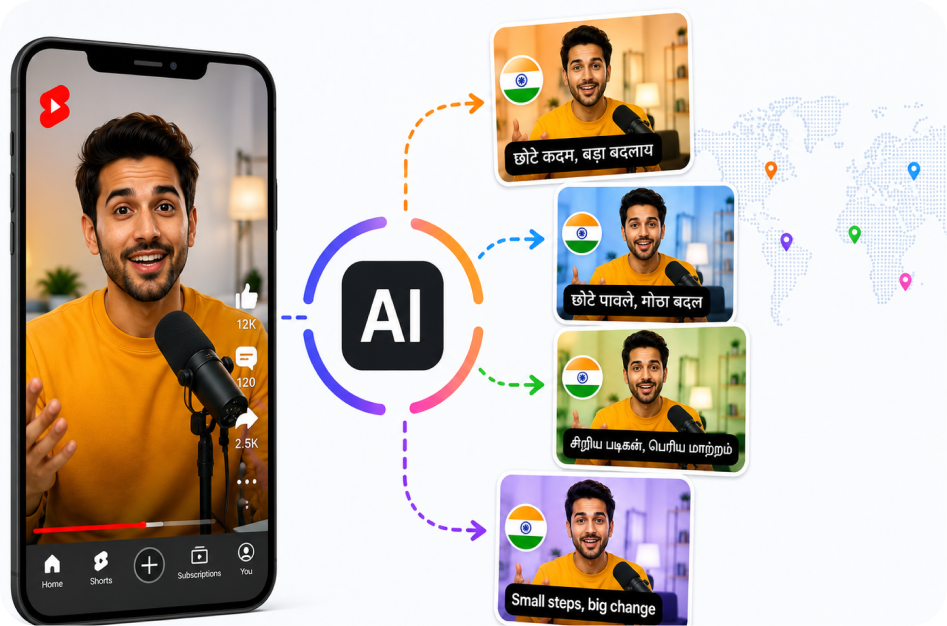
21 June 2026
Multilingual Shorts for Indian Creators
21 June 2026
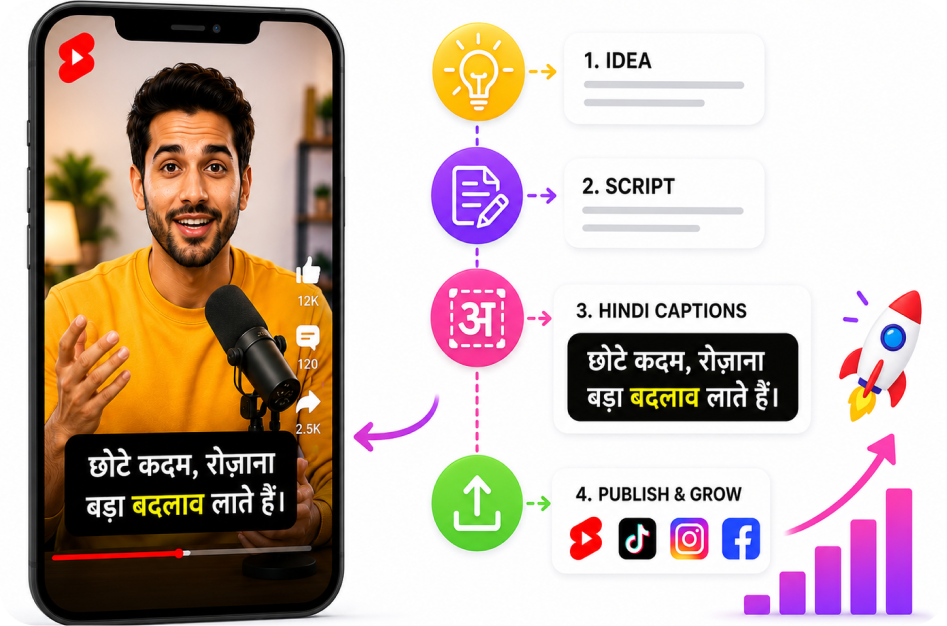
Hindi Captioned Shorts: A Practical Strategy
21 June 2026
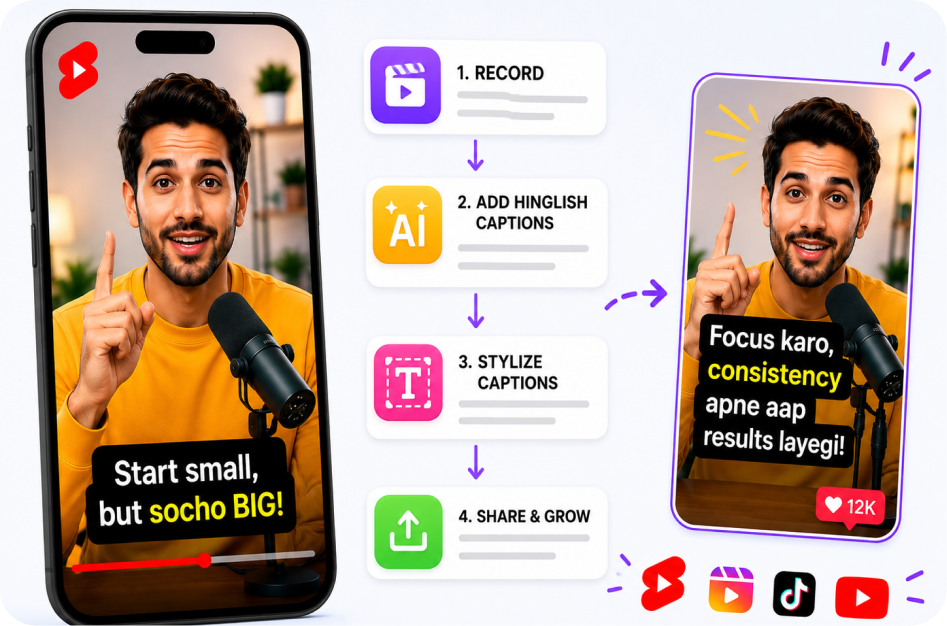
How to Make Shorts with Hinglish Captions
20 June 2026
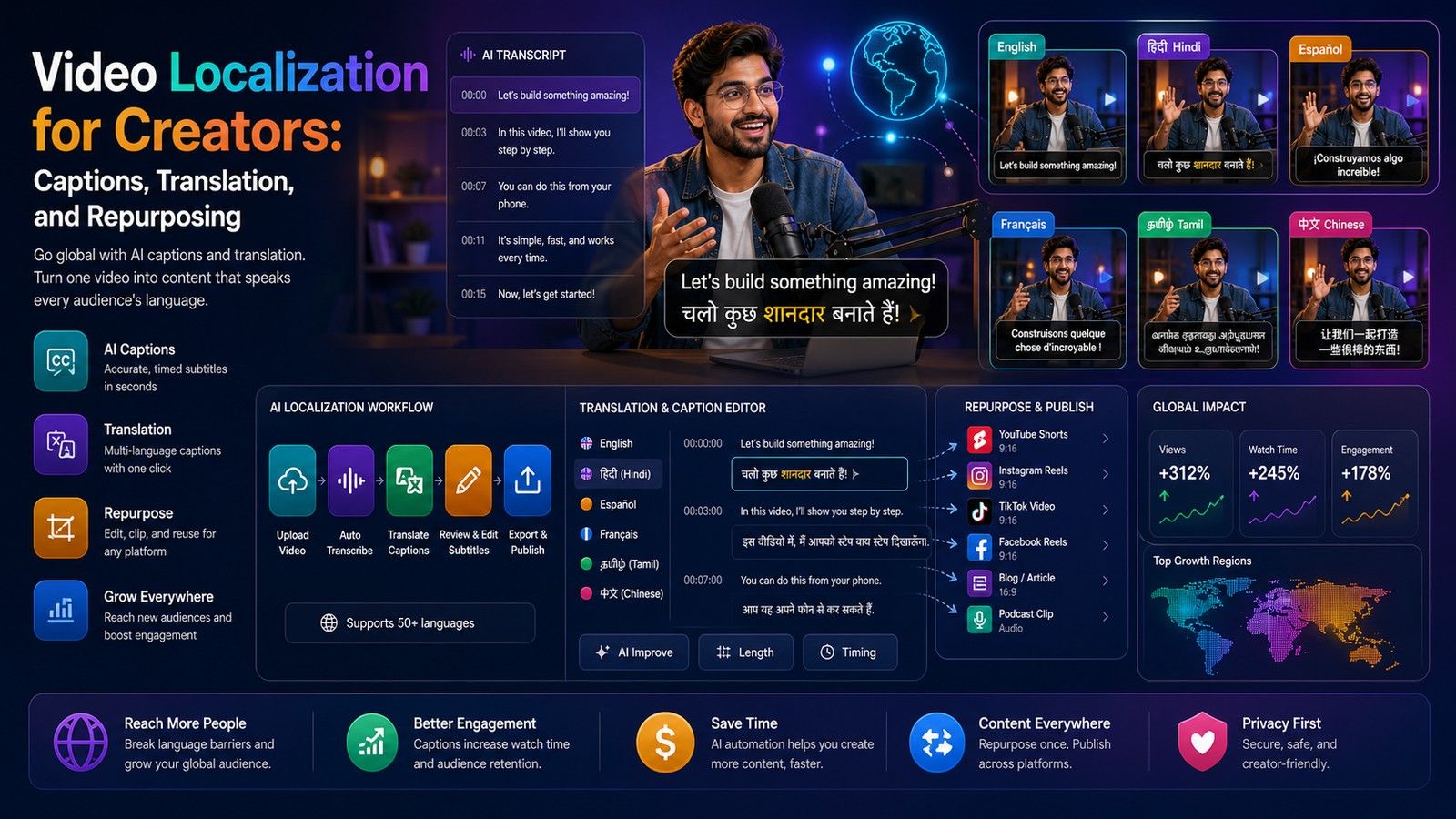
Video Localization for Creators: Captions, Translation, and Repurposing
20 June 2026
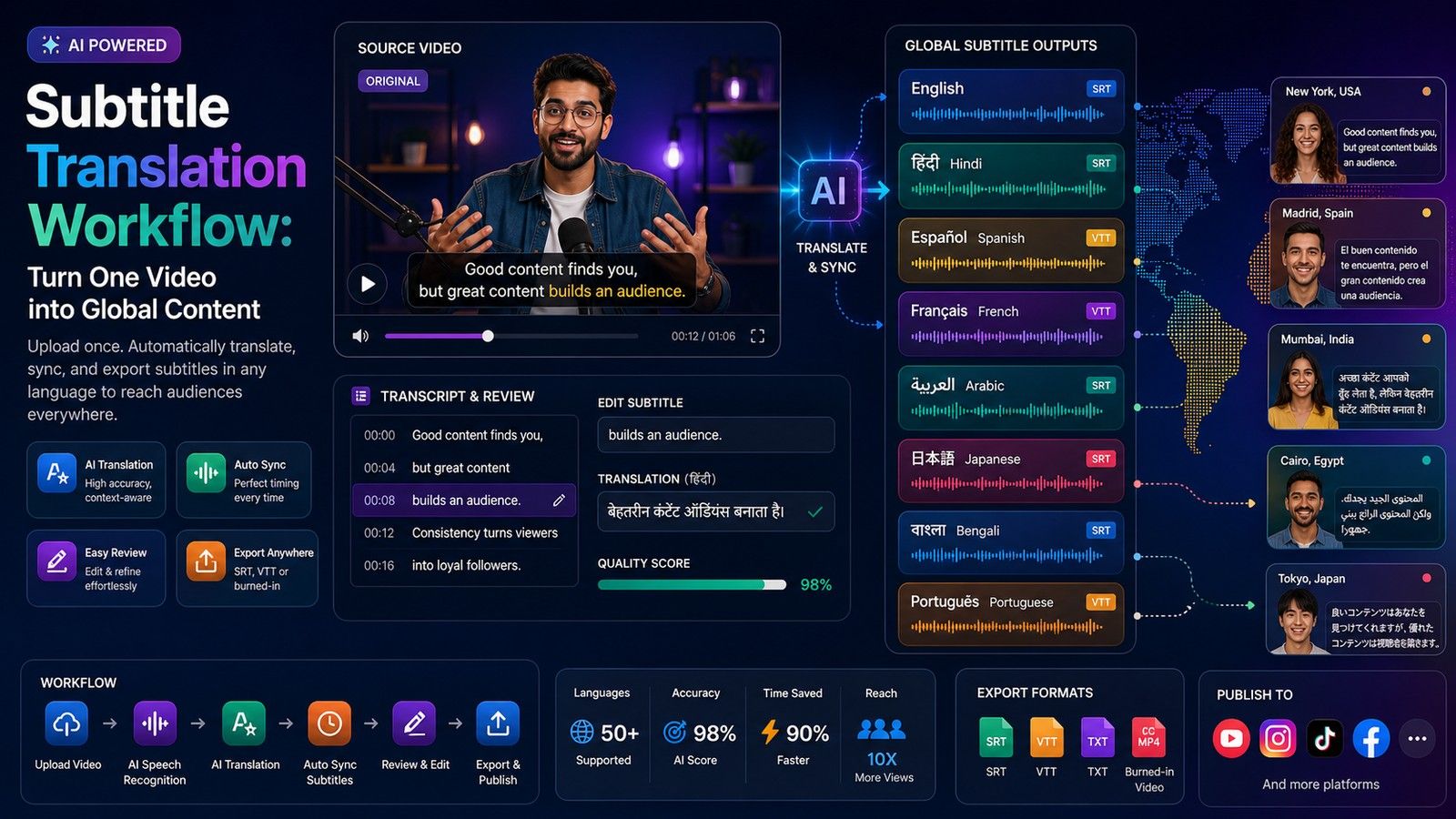
Subtitle Translation Workflow: Turn One Video into Global Content
20 June 2026