Folder & Bulk Upload
Drag and drop entire folders or select hundreds of files at once. CapsAI accepts mixed formats in a single batch - MP4, MOV, AVI, MKV, and more - processing them all without manual conversion.

Batch Processing
Stop processing videos one at a time. CapsAI's batch subtitle generator lets you upload entire folders of content and generate captions for all of them simultaneously with consistent settings. Queue management, progress tracking, uniform styling, and enterprise-scale throughput mean your team can subtitle an entire content library in hours instead of weeks - with zero quality compromise.
100+
Videos Per Batch
10x
Faster Than One-by-One
Zero
Quality Compromise

Features
Drag and drop entire folders or select hundreds of files at once. CapsAI accepts mixed formats in a single batch - MP4, MOV, AVI, MKV, and more - processing them all without manual conversion.
Monitor every file's progress in real-time with our visual queue dashboard. Prioritize urgent files, pause and resume jobs, retry failed items, and receive notifications when batches complete.
Apply uniform transcription language, subtitle styling, font choices, positioning, and export format to every file in your batch. Ensure brand consistency without configuring each video individually.
Watch each file move through upload, processing, transcription, and export stages with percentage completion indicators. Estimated time remaining helps you plan your publishing schedule.
Our infrastructure scales dynamically to handle enterprise workloads. Process 500+ videos in a single batch with dedicated compute resources, priority queuing, and SLA-backed delivery times.
Download all generated subtitles as a single ZIP archive organized by filename. Export options include individual SRT/VTT files, burned-in video files, or a consolidated spreadsheet of all transcriptions.
Workflow

Step 1
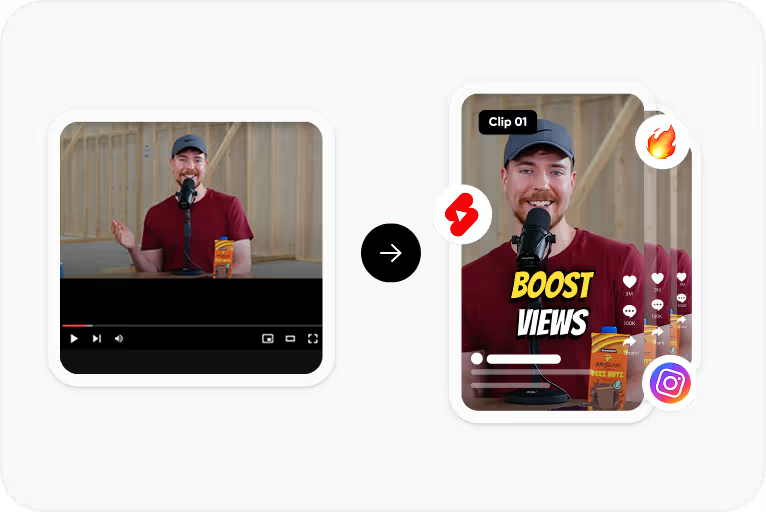
Select dozens or hundreds of video and audio files at once, or drag entire folders from your computer. Our uploader handles mixed formats and large files with resume support.
Step 2
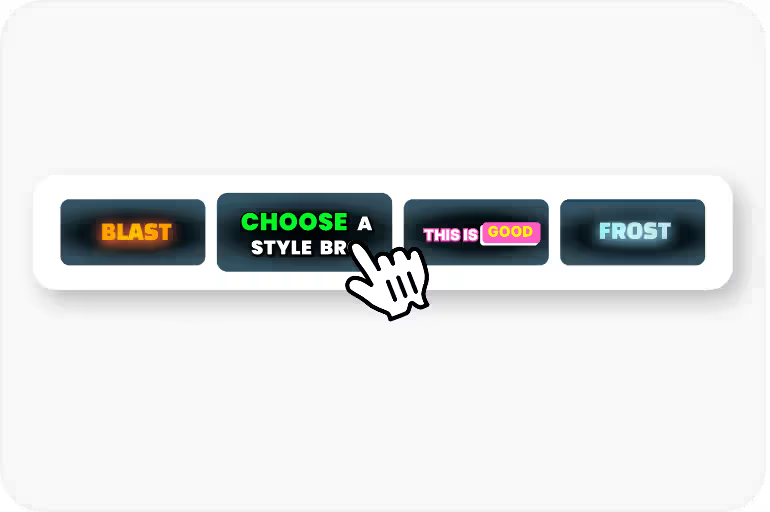
Set language, subtitle style, export format, and other preferences once - they apply uniformly to every file in your batch. Override individual file settings if needed.
Step 3
Track progress in real-time as files move through transcription. Our parallel processing infrastructure handles multiple files simultaneously for maximum throughput.

Step 4
Download all subtitle files as an organized ZIP archive, or export individually. Get email notifications when large batches complete so you don't need to watch the queue.
Use Cases
Subtitle entire client content libraries in one session. Process weekly content calendars as a single batch instead of queuing files individually throughout the week.
Caption complete course catalogs with hundreds of training modules. Maintain consistent accessibility compliance across all educational content simultaneously.
Process daily broadcast archives, news segments, and program libraries at scale. Meet regulatory captioning deadlines with enterprise-grade batch throughput.
Integrate batch processing via API to automatically subtitle every uploaded video. Scale from hundreds to thousands of files with consistent quality and SLA guarantees.
FAQ
Free accounts can batch up to 5 files at once. Pro plans support 50 files per batch, and Enterprise plans handle 500+ files with dedicated processing resources and priority queuing.
No. Every file in a batch receives the same AI processing pipeline as individually uploaded files. Accuracy, timing, and formatting quality are identical - only the workflow is faster.
Yes. While batch settings apply uniformly by default, you can override language, style, or export format for individual files before processing starts. Most users prefer uniform settings for consistency.
Failed files are flagged in the queue without stopping the rest of your batch. You can retry failed items individually, view error details, or replace the source file and reprocess just that item.
Yes. Our uploader supports folder drag-and-drop, preserving your directory structure. Files within folders are automatically added to the batch queue and processed with your chosen settings.
Upload folders of content, set your preferences once, and let CapsAI batch-generate subtitles for everything simultaneously. Enterprise-scale processing - start free today.
Try Batch Processing Free →