HTML5 video standard
VTT is the native subtitle format for HTML5 video. Works in every modern browser without plugins or extra code.

VTT Generator
Generate accurate WebVTT (.vtt) subtitle files from any video automatically. The standard format for HTML5 video players, web embedding, and WCAG accessibility compliance. Supports styling cues, positioning, and multi-language tracks.
VTT
web standard format
WCAG
compliance ready
HTML5
native support

Features
VTT is the native subtitle format for HTML5 video. Works in every modern browser without plugins or extra code.
Generated VTT files meet WCAG 2.1 AA standards for web accessibility. Pass compliance audits automatically.
Include CSS-based styling in your VTT file - fonts, colors, positioning, and alignment. Rich captions on the web.
Set exact caption positioning in your VTT file. Top, bottom, or custom coordinates for perfect placement.
Generate VTT files in multiple languages. Let viewers select their preferred subtitle language in the player.
Upload video, get VTT file in seconds. No manual timestamp work needed - AI handles all timing precisely.
Workflow

Step 1
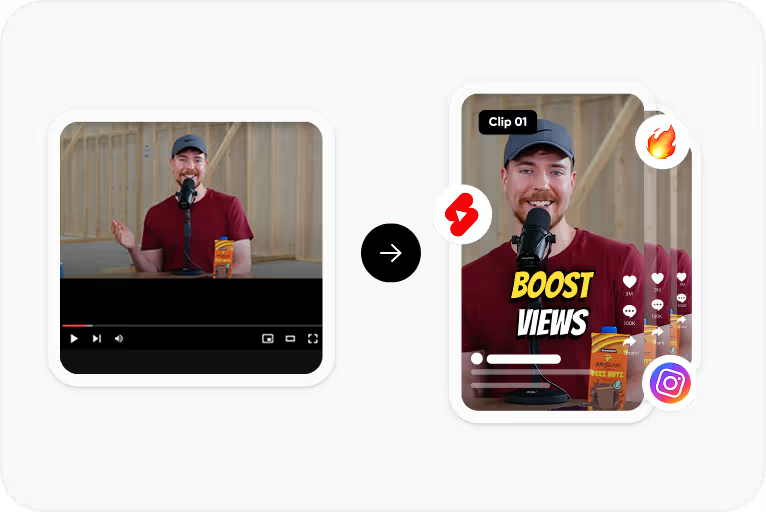
Upload any video file - MP4, MOV, WebM, or any format. Audio-only files also supported.
Step 2
Automatic speech recognition generates perfectly-timed text with proper punctuation and formatting.
Step 3
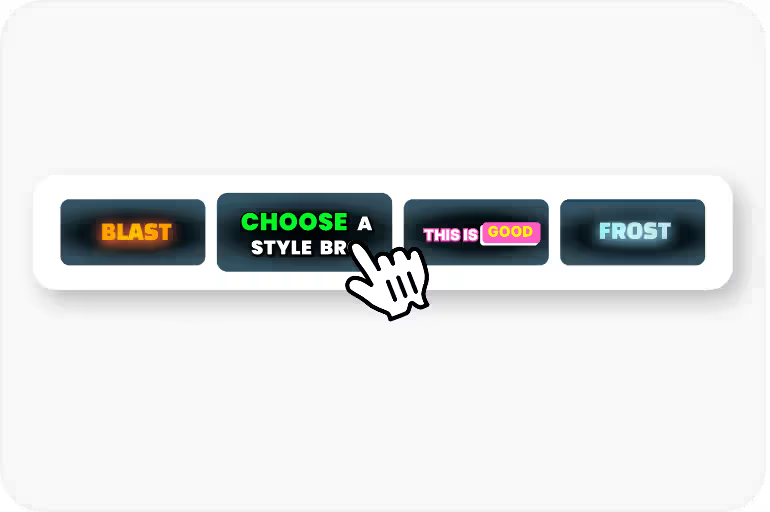
Set styling cues, positioning, and language metadata for your WebVTT file. Optional step - defaults work great.

Step 4
Export your WebVTT file ready to use with HTML5 video track element. Copy-paste integration code provided.
Use Cases
VTT works in Chrome, Firefox, Safari, and Edge without plugins. The standard for web video captions since HTML5.
Unlike SRT, VTT supports rich styling - custom fonts, colors, backgrounds, and positioning using familiar CSS-like syntax.
VTT files can include chapter metadata for video navigation. Let viewers jump to specific sections of long content.
Easy to parse programmatically. Well-documented format with libraries available in JavaScript, Python, and all major languages.
FAQ
VTT (WebVTT) supports styling, positioning, and metadata that SRT doesn't. VTT is the web standard for HTML5 video; SRT is more universal for desktop players and YouTube uploads.
Use the HTML5 track element: <track src='captions.vtt' kind='subtitles' srclang='en' label='English'>. Place it inside your video element.
Optional. You can generate plain VTT (timing + text only) or include styling cues for position, alignment, and formatting.
Yes. Upload an existing SRT file and CapsAI will convert it to properly-formatted VTT with optional styling enhancements.
WCAG 2.1 requires captions for video content. VTT is the recommended format for HTML5 web video because it's natively supported by all browsers.
The web standard for video captions. WCAG compliant, HTML5 native, with optional styling cues. Free to generate.
Try CapsAI Free →